


Product Manager
If you’ve entered your password incorrectly multiple times, you may find yourself temporarily locked out of your account with an error message that reads “Your account is temporarily locked to prevent unauthorized use. Please try again later.”
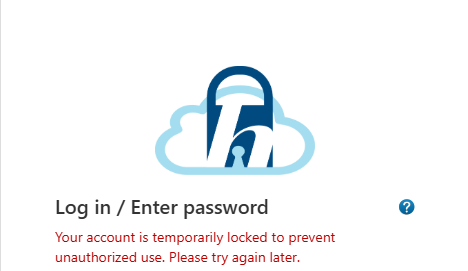
This security measure is controlled by Microsoft’s Azure authentication system to protect your account from potential threats.
Important Things to Know
Q: How long does it take for the lockout to be lifted?
A: The reset typically happens within an hour, but the exact timing depends on security factors like failed login attempts and other detected risks.
Q: Can I ask HIMSA to manually remove the lockout?
A: No, the lockout is controlled externally and cannot be manually removed by HIMSA.
Q: I’m in a hurry—do I have any other options?
A: Yes, the fastest way to regain access is to use the password reset option.
Q: What if my administrator hasn’t configured my account for a password reset?
A: If password reset isn’t enabled for your account, your administrator can follow the steps outlined in this article: Forgotten Password for Noah ES – Noah ES Support Portal to start the reset process.

 HIMSA
HIMSA