


A Noah System site license allows you to install a on multiple PCs at a single office address. If you have a network in your office, you can also set Noah System up as a network, so that all Noah users in your office can store their patient data in the same Noah database.
Before you begin setting up a Noah network, you should first prepare as follows:
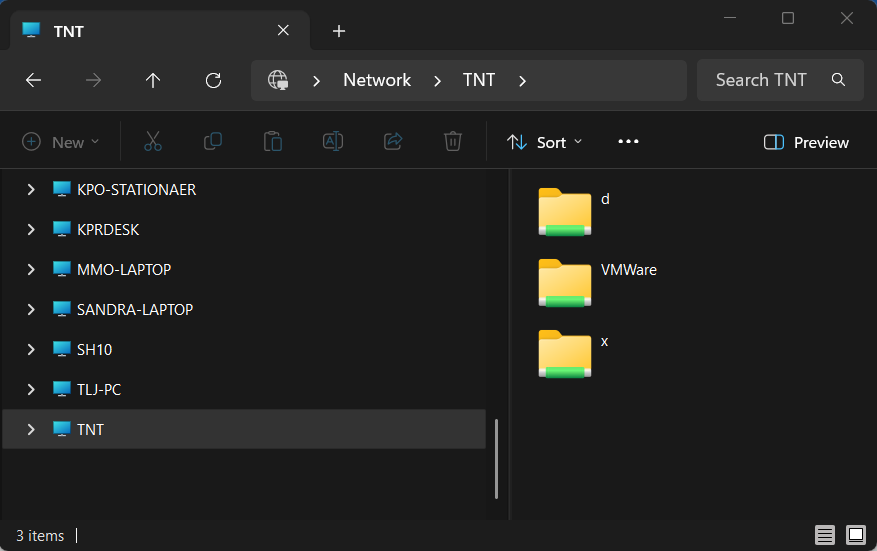
- Choose which PC on your network will be the Noah Server, where the database will be installed.
- Make sure that the PCs for the Noah Clients on your network can access the Noah Server computer over the network.
If you already use Noah System on standalone PCs in your office
If you already use standalone Noah PCs at your office, you should also do the following before you network your Noah PCs:
- Make sure that all your Noah PCs are running the same Noah version.
- Make backups of the Noah System standalone databases
- On the PC that will be the new Noah Server, add Noah accounts for all Noah users in your office. This will ensure that all your Noah users can log on to your common Noah database.
 HIMSA
HIMSA